



Book for someone else
Share the Experience — Book for Your Loved Ones
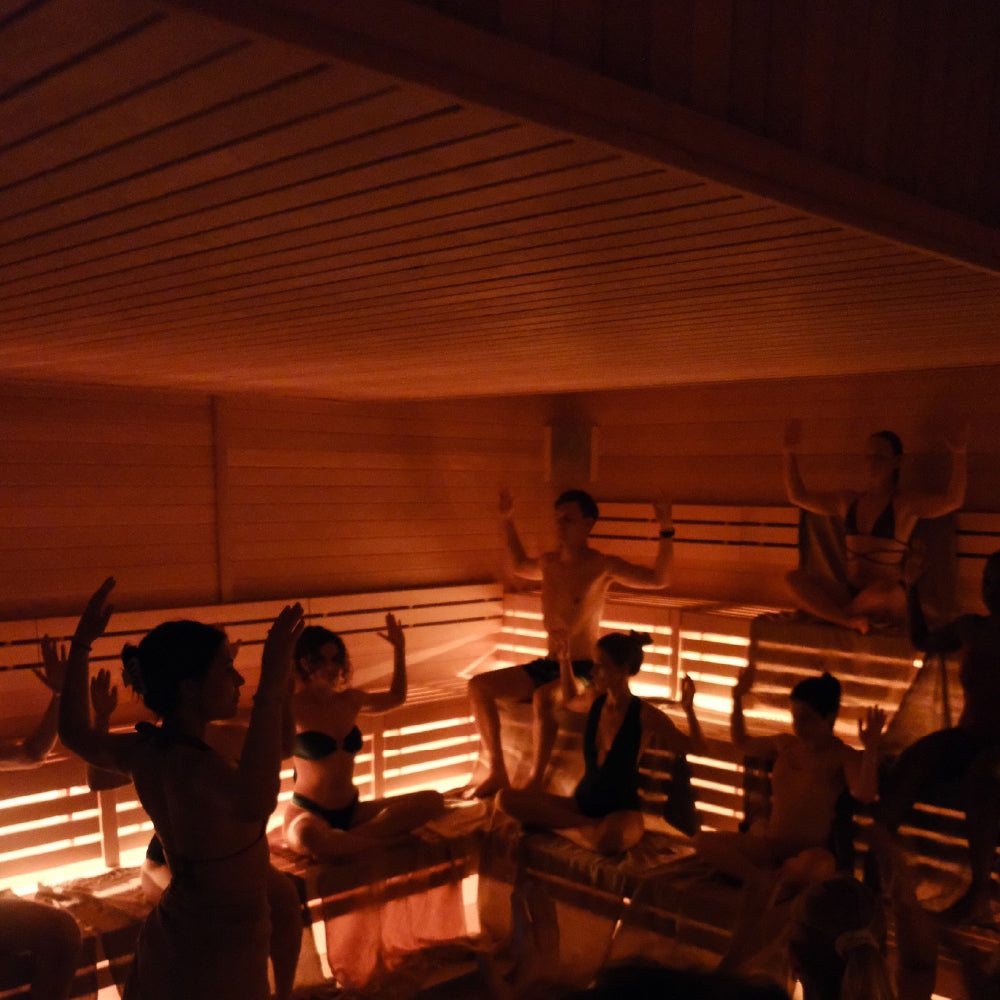
At WeBorn, transformation is deeper when it’s shared. You can book classes for your family and friends via Eversports — making it easier than ever to recover together.
How it works (simple + intuitive)
-
Log in with your existing Eversports account.
-
Go to “My Bookings” and select “Book for a family member”.
-
Now click "Create a Family Account".
-
Add a name and create their profile — it’s that easy.
-
Buy a package for that person & directly book a class. Only you will get an email confirmation. So this is perfect for surprises ;)
Once you’ve made your first booking for someone, their profile lives alongside yours — ready for future visits.
One login, infinite possibilities
With a Family Account in your booking system, you can:
✨ Book classes for multiple people under one account
No need for multiple emails — manage every booking with a single login.
✨ Create separate profiles for each person
Each person can have their own booking profile — so credits, memberships, and schedules stay organized.
✨ Pay easily with shared payment methods
Use one payment setup for all class bookings — saving time and giving you full control.
✨ Unified booking overview
See all upcoming visits for everyone you care about in one place — making planning simple and joyful.
Shared Recovery • Shared Growth
Bring your partner, your sibling, your friend — anyone you move with — and experience WeBorn as a collective.
Together, you:
-
deepen motivation
-
move with shared intention
-
recover with mutual support
-
create lifelong memories
Ready to connect?
Log in, set up your family profiles, and start booking together.
Because recovery, energy, and presence are always better when shared.
